 Maquette Studio
Pose the figure. Frame the shot. Draw from it.
Maquette Studio is a 3D pose reference app for figure drawing, illustration and comics on iPad, iPhone and Mac. Pose and animate figures by hand, set up the camera like a real lens, and export line art, tone layers and depth maps that are ready to draw over.
Free to download for iPad, iPhone and Mac.
- iPad, iPhone and MacOne purchase covers all three.
- Free to downloadPose, animate and export PNGs.
- One-time unlockEvery export format. No subscription.
Pose, animate and frame in one window
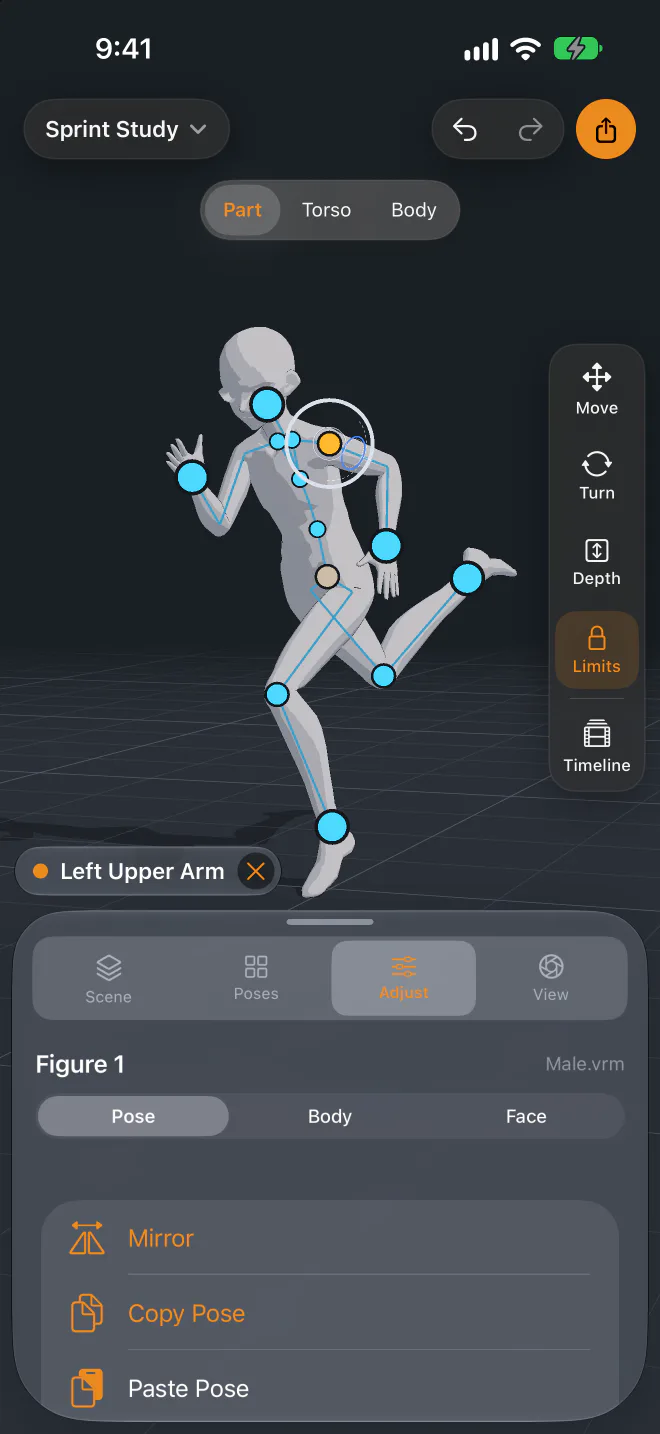
On iPad the scene, the timeline and the pose library sit side by side. On iPhone the same tools live in a sheet under the view.

Exports made for drawing
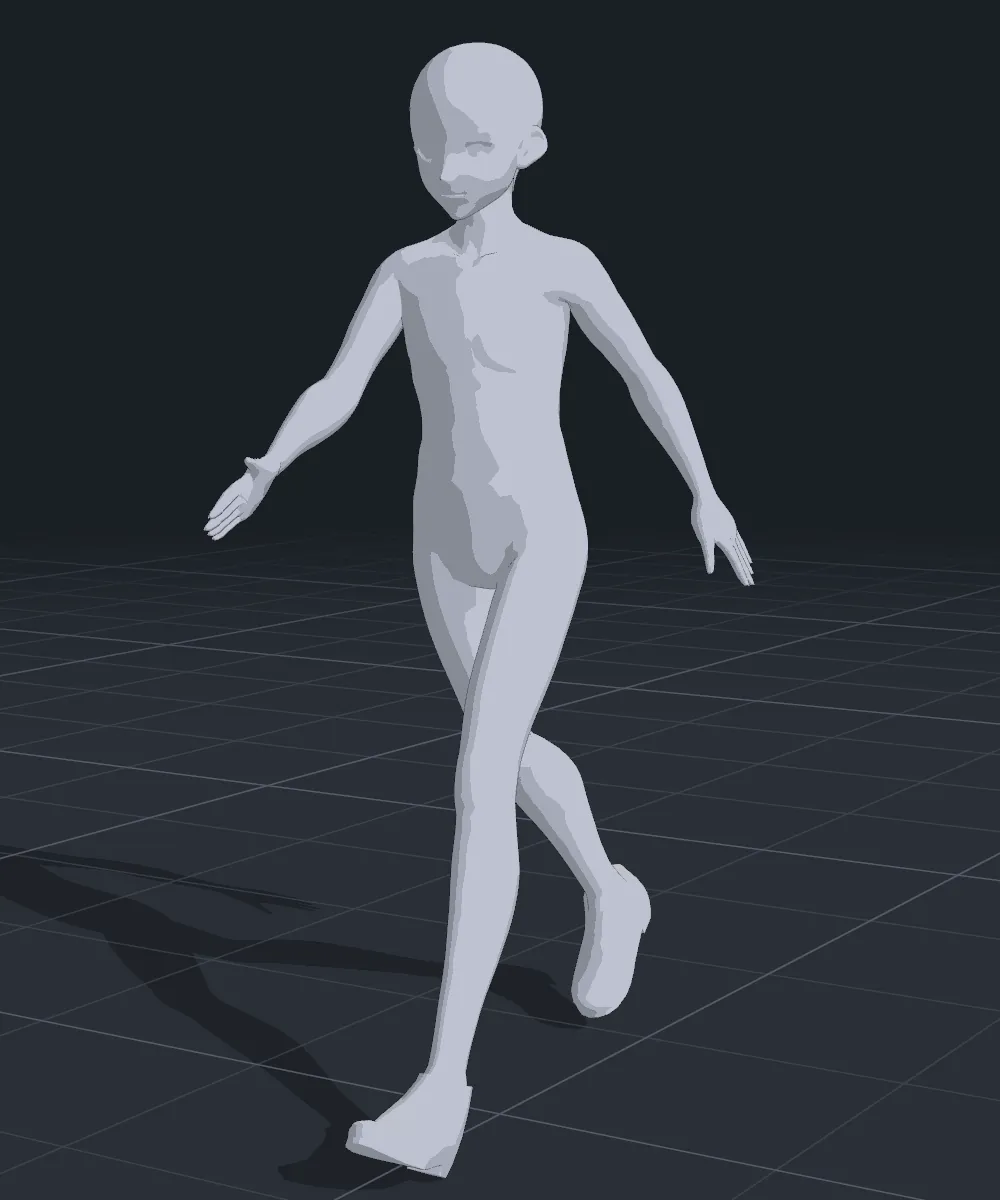
Every shot exports as the layers you actually draw with, from the working view or from any camera you have placed in the scene. These are the same frame, exported five ways.
-
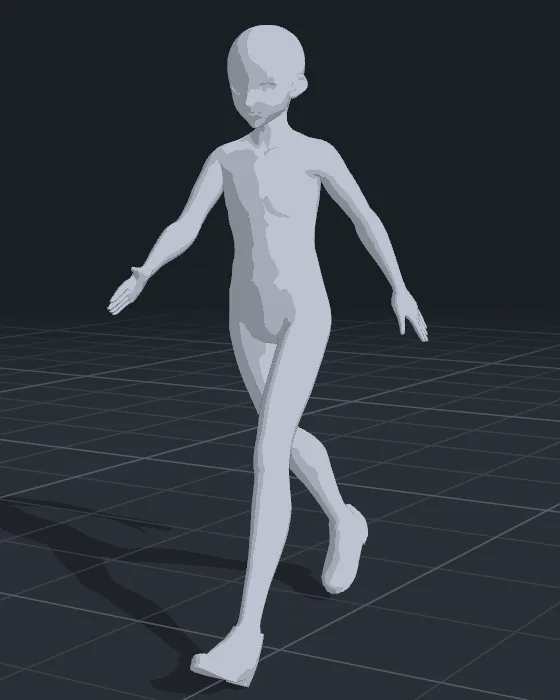
RenderThe shaded frame, opaque or with a transparent background. -
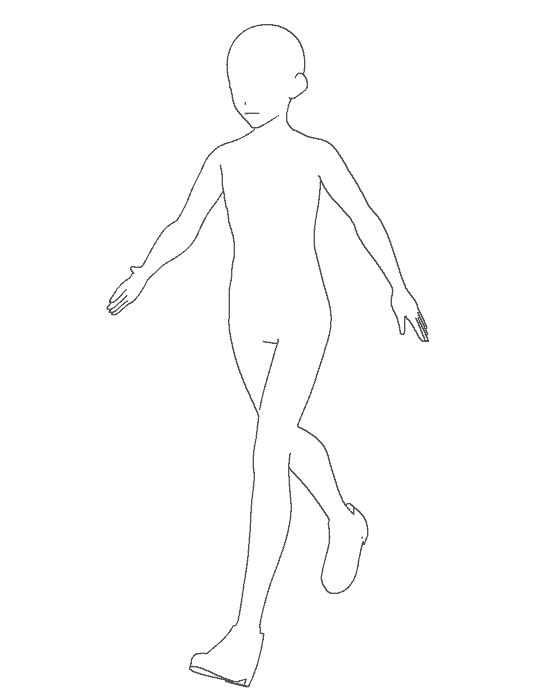
Line artAnti-aliased ink on transparency, or black on white. -
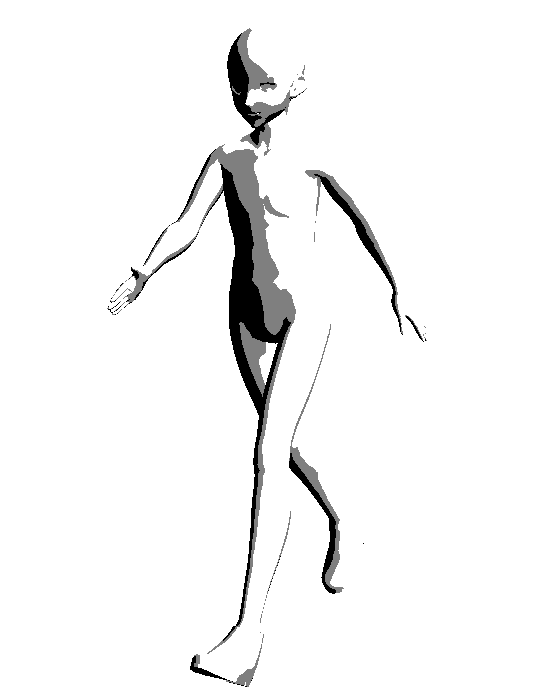
Tone layerShadow and half-tone bands, ready to put a screentone under. -
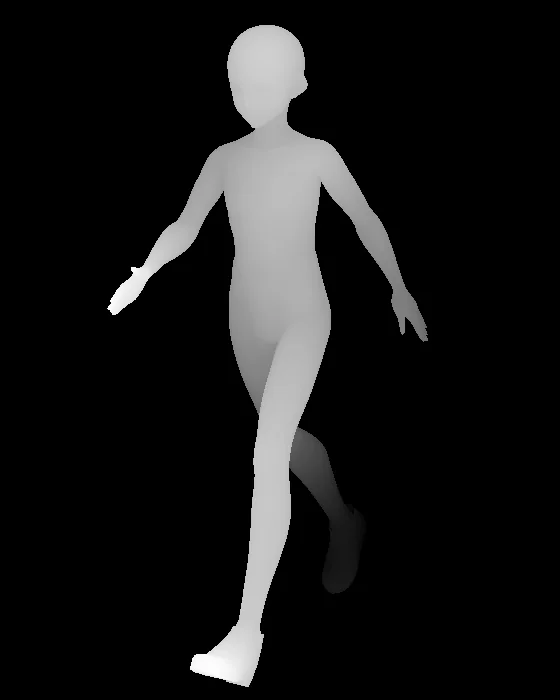
Depth mapNearer is brighter. -
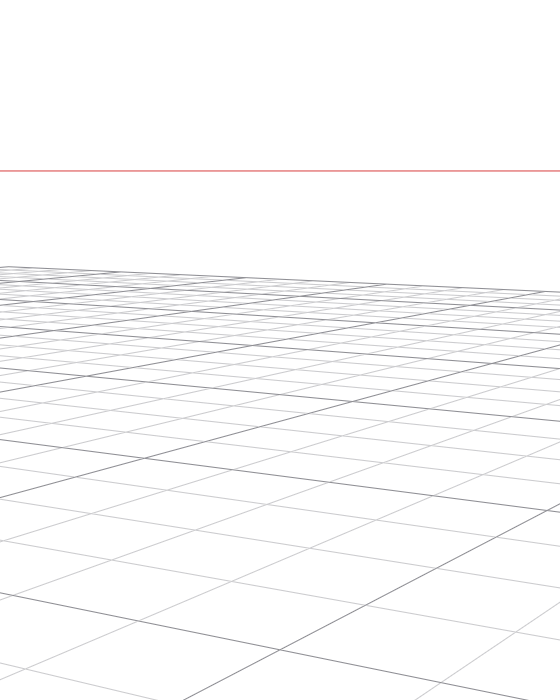
Perspective guidesHorizon, vanishing points and ground grid, matched to the camera.
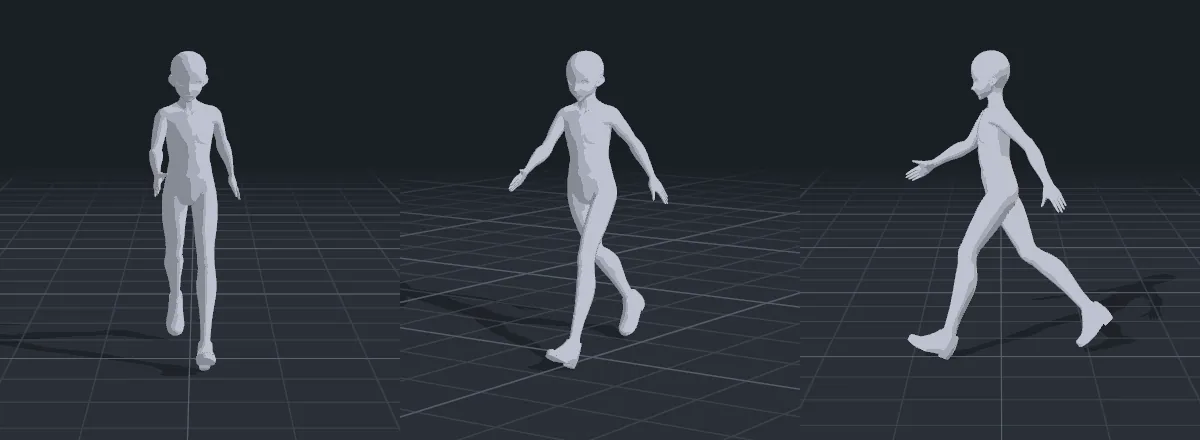
Preview an export before saving it, drag it straight into another app, or copy it. Opaque PNG is free; the other formats come with the Full Version.
Pose a 3D mannequin by hand
Drag a hand or a foot and the limb follows, bending at the elbow or knee within human limits. Switch the limits off for poses no body could hold.
- Touch, Apple Pencil and mouseHover highlights the joint under the Pencil. With Apple Pencil Pro, squeeze for posing tools and roll the barrel to twist.
- PinsPin hands, feet, hips or head while you pose the rest.
- Mirror, copy and pasteMirror a pose in one step, or paste one onto another figure, flipped if you like.
- A pose library28 bundled poses, stance presets and hand presets, with your own saved poses beside them.
- Proportions and facesHead, shoulders, arms, torso, legs and height, saved body types, and the expressions a figure carries.
Every figure moves on one timeline
Key a figure or a prop, or start from a clip in the animation catalog. Every figure in the scene plays on the same clock, so they all stay in step.

- Animation catalog26 clips. Walk, Run, Idle and Look Around are free; the other 22, from emotes to kicks, a roll and a running jump, come with the Full Version.
- Edit a clip by posingChange the pose on any frame and the edit carries across the whole clip.
- Onion skinGhosts of the frames before and after show the motion while you edit.
- Export the motionA PNG sequence or an H.264 movie with the Full Version, or the clip itself as a .vrma file.
A camera that behaves like a lens
Choose a focal length in millimetres, switch to orthographic to check proportions, and place cameras in the scene that show the exact frame an export will hold.

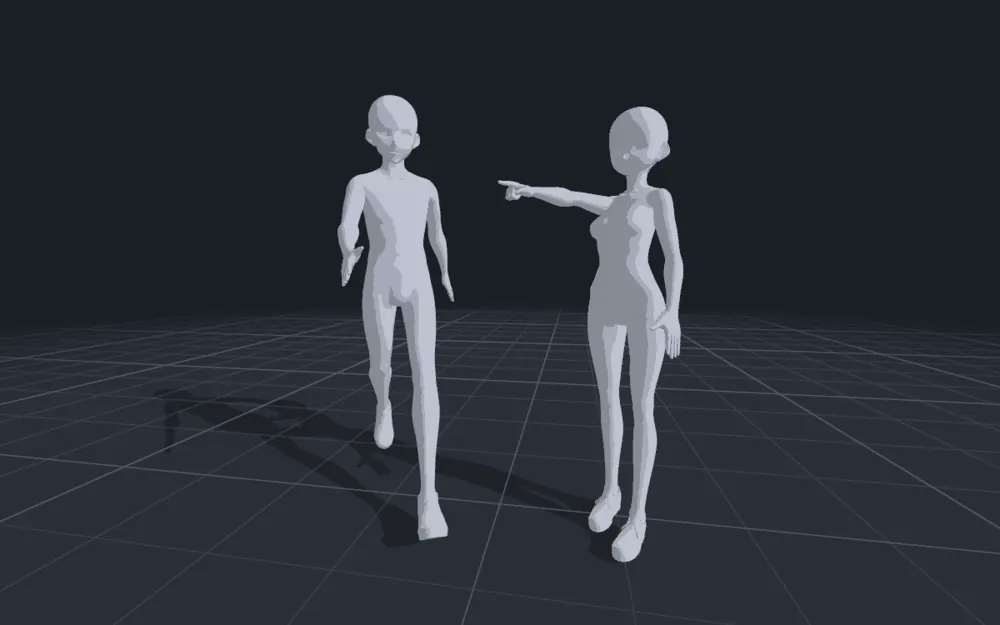
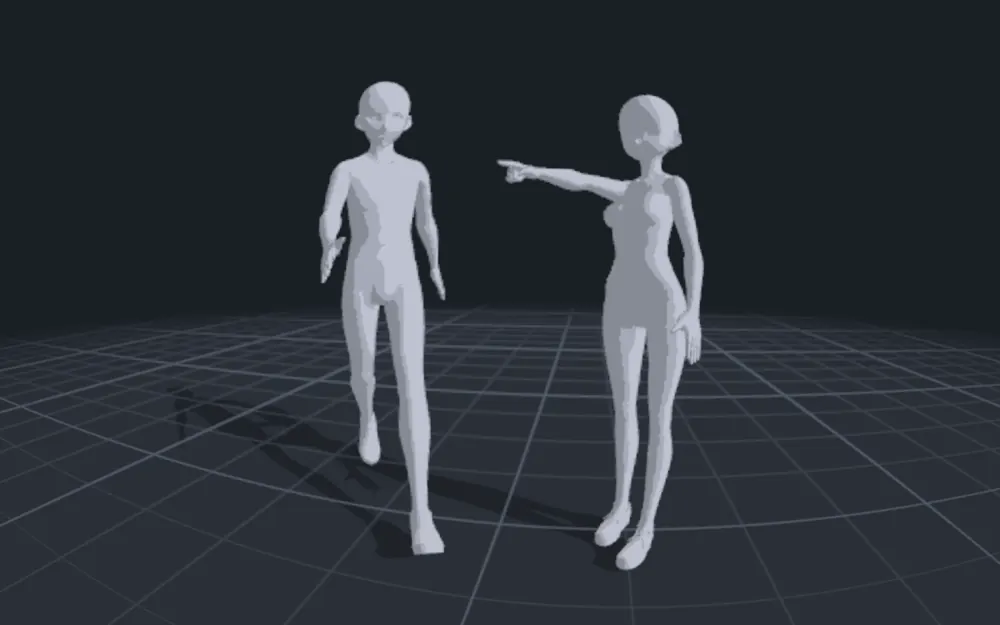
- Focal length and orthographicWide to portrait lenses, or no perspective at all.
- Scene camerasCameras placed in the scene draw their frame at their own aspect, and exports can be shot through them without leaving your view.
- Curvilinear lensFisheye or pincushion perspective on any scene camera.
- Depth of field and saved viewsFocus falloff in the render, and views you can save and return to.
Shading and light you can paint from
Toon shading with an ink outline, smooth matcap, or the figure's own textures. Key, fill and rim lights with an ambient lift shape the shadows the way you want to paint them.
-
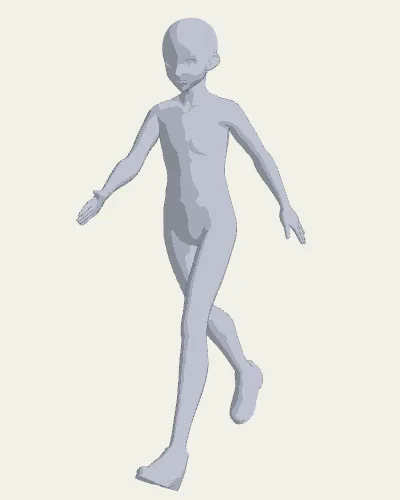
Toon with ink outline -
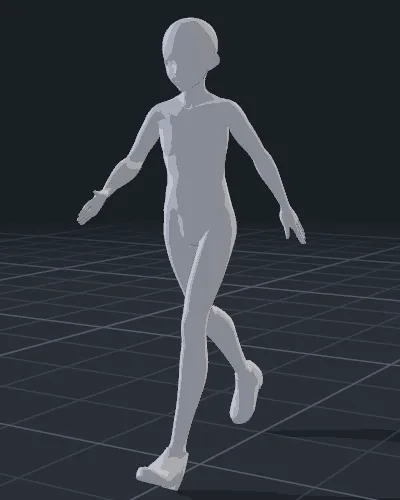
Toon, side key and rim light -
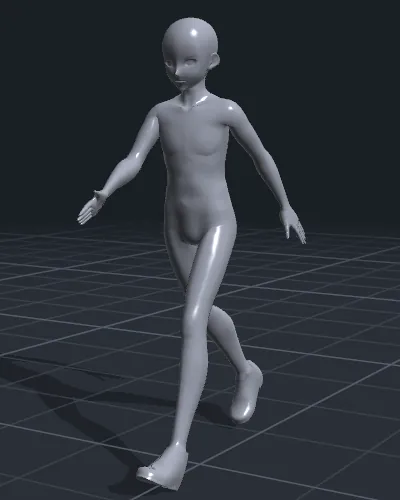
Matcap -
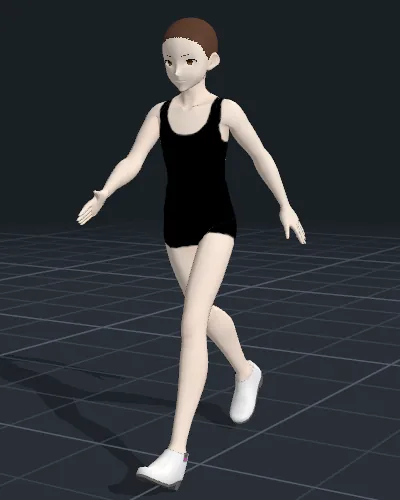
Textured
Your figures, your scene
Start with Male and Female, which come free with the app. The Full Version adds nine catalog characters and the models you already draw.
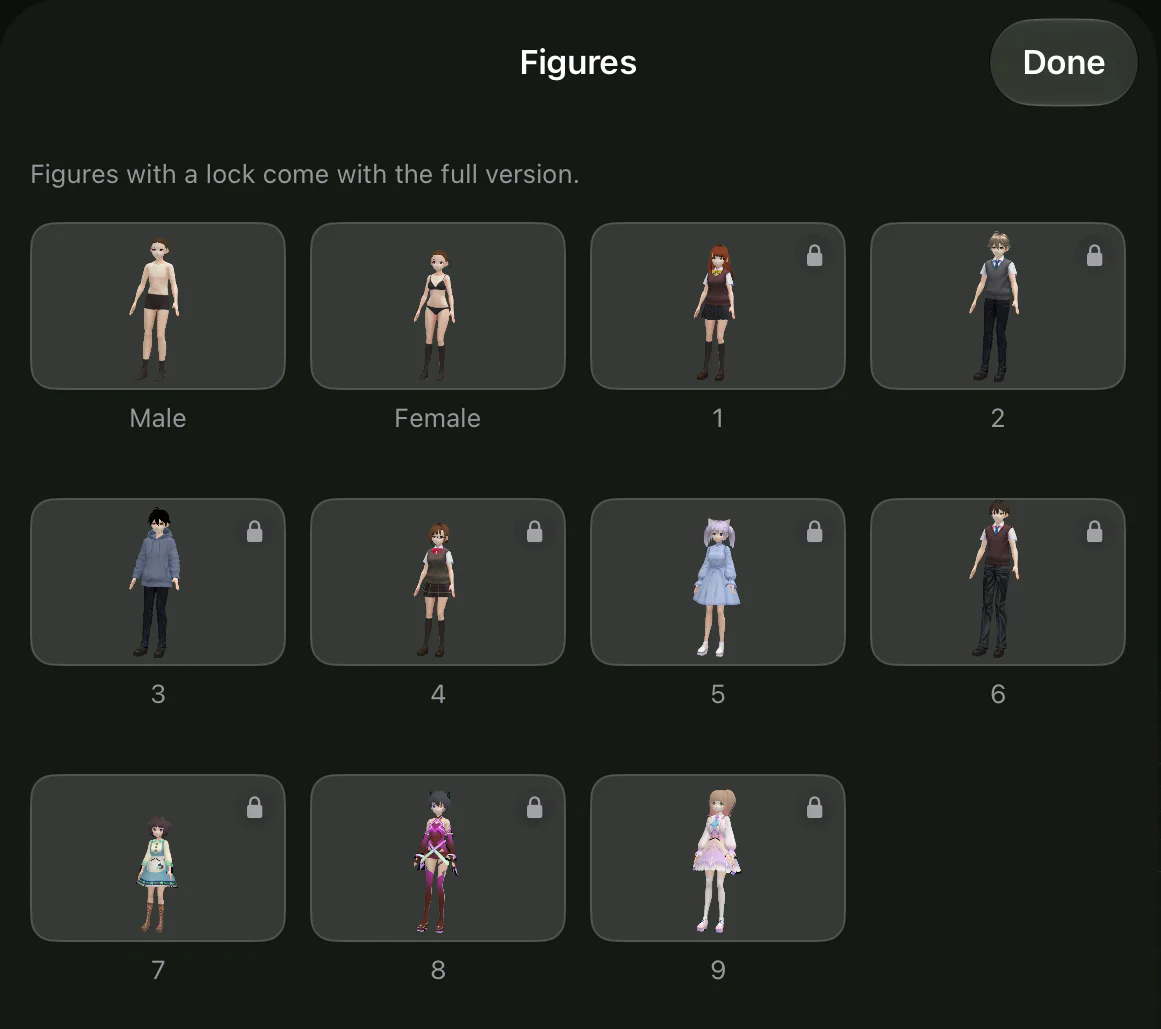
- Your own modelsOpen VRM (0.x and 1.0) and glTF binary (.glb) figures with the Full Version.
- Poses that travelPoses are saved against the standard humanoid skeleton, so a pose made on one figure applies to another.
- Whole scenesSeveral figures in one scene with the Full Version, and props for everyone: box, sphere, staff, seat, table and step, or your own OBJ and GLB meshes. Attach a prop to a hand, sit on it or stand on it.
- Hair, cloth and contactHair and clothing hang under gravity, and figures do not pass through each other or the props.
Pose from a photo, onto any figure
Pick a photograph and the pose is found on the device with Apple's Vision framework. The skeleton is drawn over the picture, every joint can be dragged to correct it, and a side view sets depth before the pose lands on your figure.
- Stays on the deviceDetection runs locally. The photo is never uploaded.
- Nothing guessedJoints the detector is unsure of are skipped and left as they were, for you to place.
- Any figureThe pose is fitted to the figure's own bone lengths, so it works on tall, short and stylised bodies alike.
A native Mac app
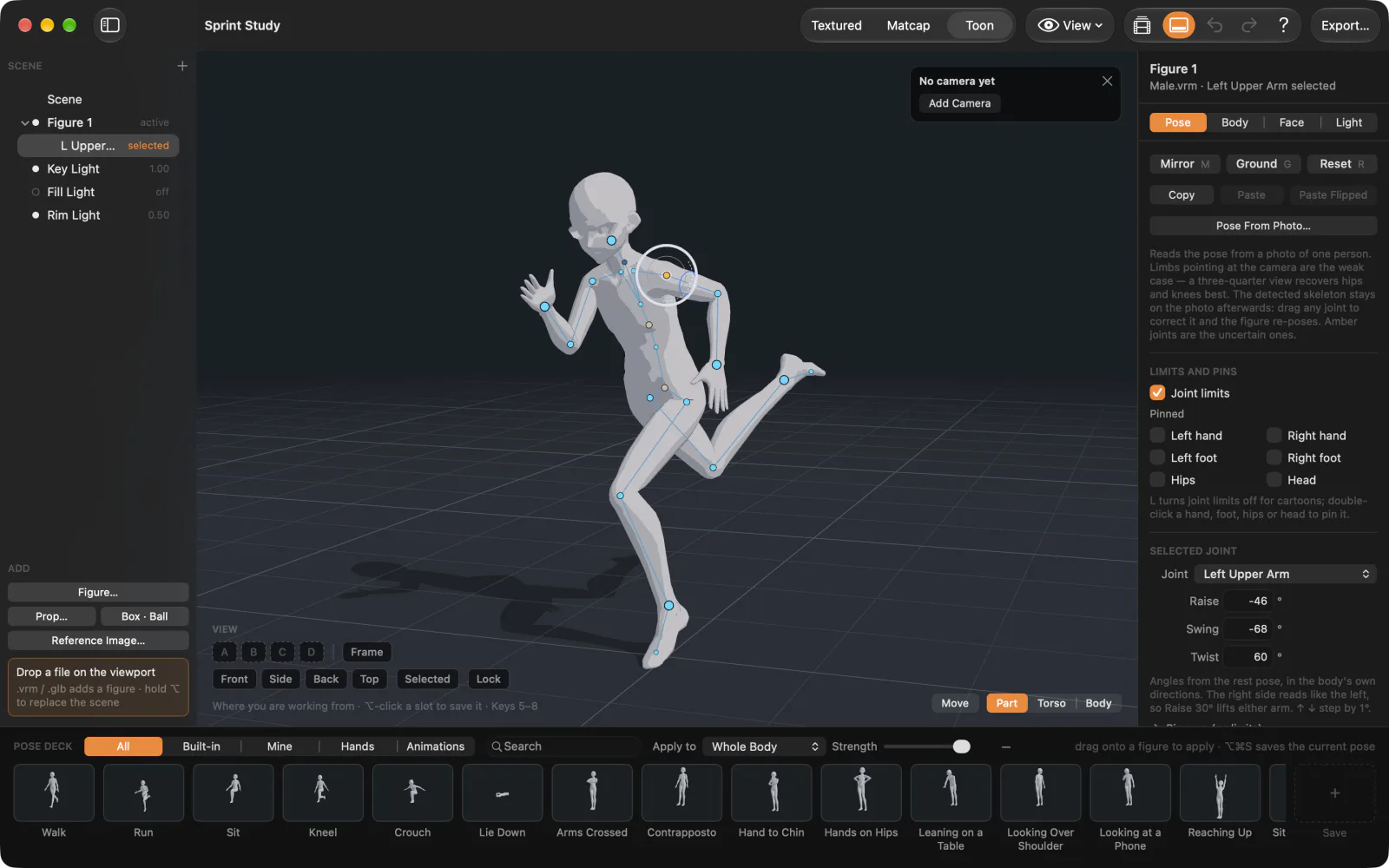
On the Mac, the scene list and the inspector sit beside the view and the pose deck runs along the bottom. It comes with the same purchase. With the Full Version, agent control lets an AI assistant on your Mac pose and compose the open scene for you.
Free to start, one purchase for the rest
One purchase covers iPad, iPhone and Mac with the same Apple Account. No subscription, no account, no ads, no tracking.
Free
- Posing by touch, Apple Pencil and mouse
- The pose library and Pose From Photo
- Proportions, expressions and props
- Camera, lenses and scene cameras
- Shading and three-point lighting
- The timeline, with the Walk, Run, Idle and Look Around clips
- The Male and Female figures, one at a time
- PNG export
Full Version one-time purchase
- Line art, tone layer, depth map, transparent PNG, turnaround sheet and perspective guides
- PNG sequence and H.264 movie export
- More than one figure in a scene
- Nine catalog characters
- 22 more animation clips
- Your own VRM and GLB figures
- Agent control on the Mac
iPad first, with iPhone and Mac in the same purchase
Built for iPad, touch and Apple Pencil. The same app runs on iPhone, and the native Mac version is on the Mac App Store with the same purchase.